
all2all moves to Mailman 3 and opens a portal for mailing lists and newsletters
We have migrated the all2all mailing list server to GNU Mailman 3 and built a portal that brings together list management, discussion archives and newsletter editing. An association can now ask one person to write its bulletin and another to approve it, while keeping control of its subscriptions. The portal is already running on several domains, with others joining in stages.
From the first draft to the inbox
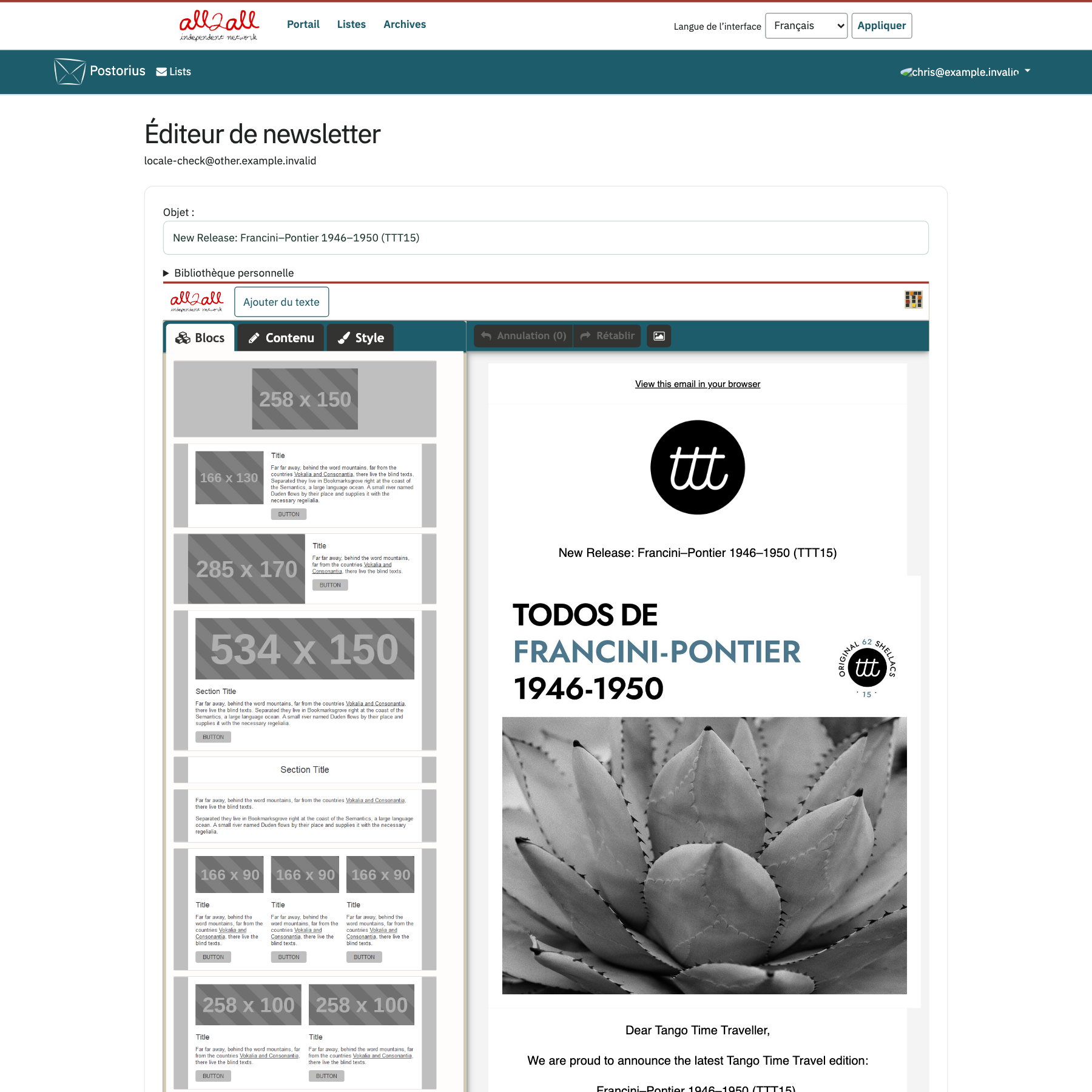
If you have permission to write for a list, its overview page gives you a fourth link in the navigation bar. In the French interface shown below, Portail · Listes · Archives is followed by Rédiger une newsletter (“Write a newsletter”). That link opens Mosaico, the visual newsletter editor built into the all2all portal.

In Mosaico you can arrange text blocks, images and buttons to compose an issue. To announce a new record, for example, start with the previous issue’s template, change the cover art and add a link to a track. Save the draft, preview it and reopen it later for a final read.
The screenshot shows the “Francini–Pontier 1946–1950” newsletter reopened in the demo portal. The available blocks are on the left and the draft with the album artwork is on the right.
Teams familiar with Mailchimp or Brevo will recognise the workflow. At all2all, both the editor and the mailing list software are open source, and the newsletter goes out through the list we host for you. On a moderated list, the writer submits the issue for review. An authorised moderator reads it in Postorius and approves it for delivery by Mailman. During the pilot we followed four issues all the way to the test inbox. Each arrived exactly once, after approval.
Who can do what?
Permissions are assigned by domain, list and task. A volunteer might write the monthly bulletin while a colleague moderates it. The domain administrator can keep sole responsibility for creating lists. The writer can work on the bulletin without access to the organisation’s other lists.
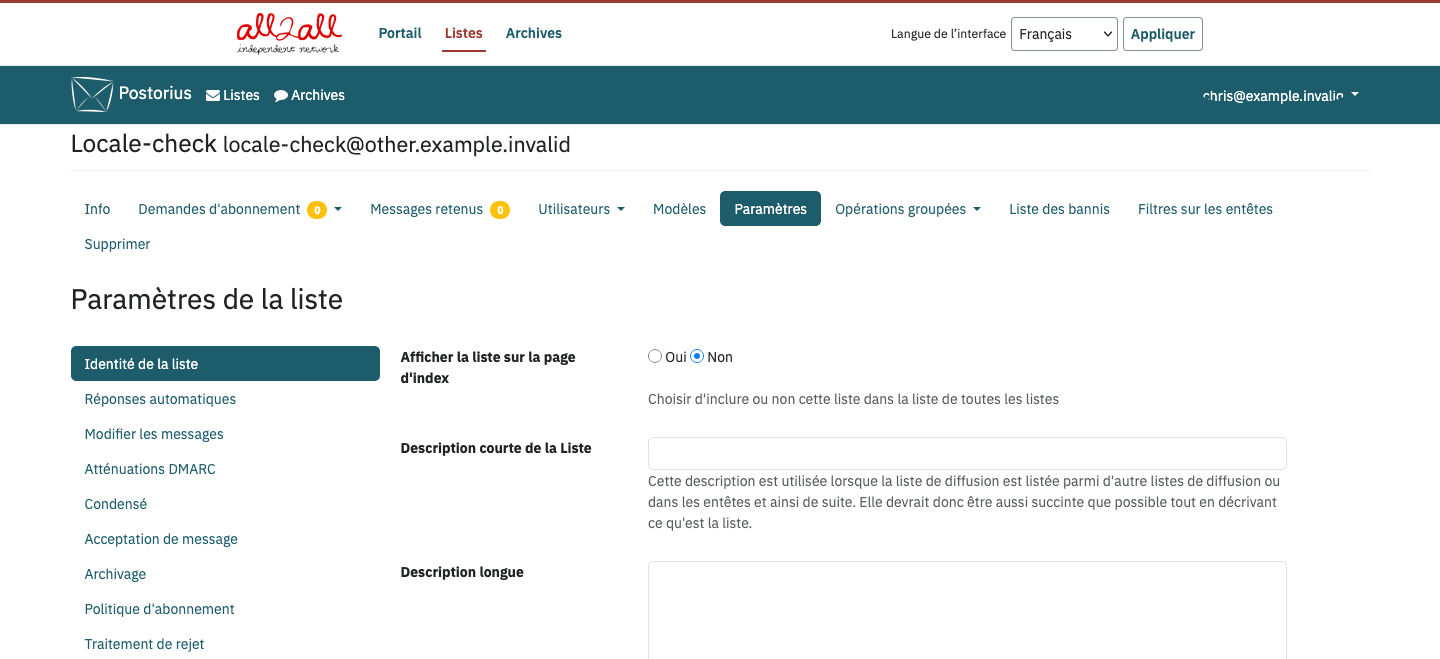
In Postorius, list owners choose how people subscribe, which messages need approval and whether discussions are archived. Moderators can see the messages awaiting a decision.
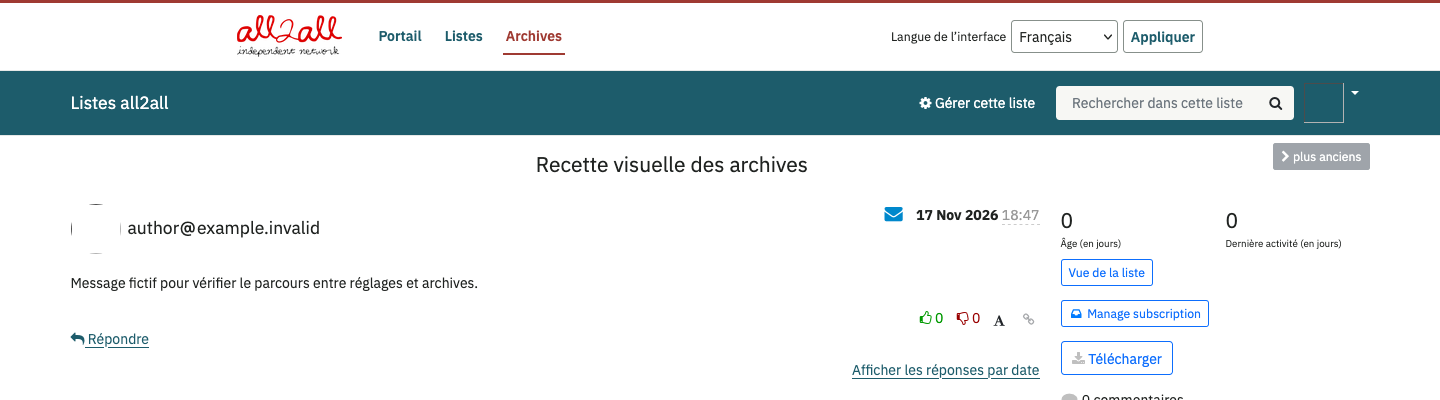
HyperKitty groups messages into discussion threads. Readers can find a decision taken months ago, read replies in context or search the archive by topic. An association can open its public forum archive to everyone while keeping a working group’s archive available only to its members.
What happens when a newsletter arrives?
The receiving mail service checks whether it can trust the domain in the visible “From” address. Three mechanisms work together.
- SPF checks whether the sending server is authorised to send mail for the domain in the envelope sender address. This is the return address used for delivery failure notices, for example.
- DKIM adds a digital signature to the message. The receiving service verifies it with the signing domain’s public key and can detect changes to the signed content.
- DMARC connects those checks to the address the reader sees. To pass, at least one of SPF or DKIM must pass with a domain aligned with the domain in the “From” address. DMARC standard
Alignment gives receiving services a verifiable identity to associate with a sender’s reputation. That reputation also depends on day-to-day practice. Send to people who asked for the newsletter, follow up on addresses that bounce and make it easy to leave the list.
Unsubscribe from the inbox
Under RFC 8058, a compatible mail service can display its own Unsubscribe button beside the sender’s name. Readers can leave the list with one click, without looking for a link at the bottom of the email or signing in to the portal. Each mail service decides whether to display the button. One-click unsubscribe, RFC 8058
One-click unsubscribe went live on the first two lists on 20 November. We verified the signature covering the unsubscribe headers on received messages and checked the outcome. When a reader unsubscribes, only their subscription to that particular list ends. When a security scanner visits the link to inspect it, the subscription stays active.